Moving from legacy to new customer accounts: what you lose and how to get it back
Shopify deprecated legacy customer accounts on 26 February 2026. See what your theme customizations stop giving customers (invoices, birthday and VAT fields, Buy again, loyalty points, FAQ) and how to put each one back with no code.
View as Markdown ↗Shopify deprecated legacy customer accounts on 26 February 2026: no more feature updates
or technical support, and Shopify says all merchants must move to the latest customer
accounts. When you switch, what your theme did on the old /account pages does not
transfer, and apps that relied on legacy Liquid account pages don’t work on the new
accounts. This page lists what stores usually miss and how to rebuild each piece with
Optimalify blocks, in the customer account editor, with no theme code.
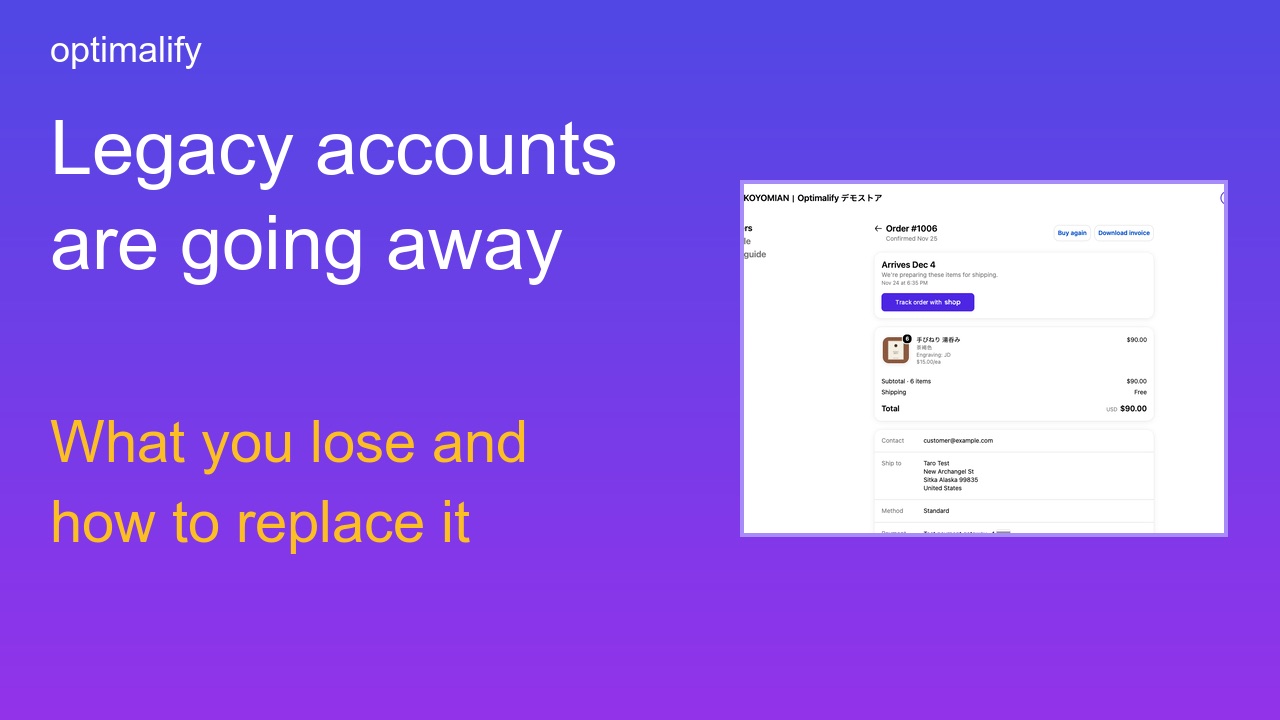
About dates: Shopify has said a final sunset date for legacy accounts will be announced later in 2026. When we last checked (10 November 2026) none was published, so we don’t give one. See Shopify’s changelog and our upgrade checklist.
What to put back, and how
| If your old account pages had… | Rebuild it with… |
|---|---|
| A way to get an invoice or receipt for an order | Invoice download: a Download invoice PDF action on every order, in the customer’s language |
| A birthday, preferences or a VAT number on the customer’s profile | Profile fields: birthday, preferred size, contact preferences and your own fields, such as a VAT number |
| A reorder shortcut | Buy again: a most-purchased grid plus a Buy this again button on each order line |
| Loyalty points and rank shown to the customer | Member wallet: points and rank read from your loyalty app’s customer metafields |
| A banner, FAQ, return policy or promo card | Banner, FAQ, Store policies and Content section |
| Contact details on the account | Support contact |
Invoices
If you offered invoices through theme code or a Liquid-based app, that won’t carry over to the new accounts. The Invoice block adds a Download invoice action to orders. The PDF is available in English, German, French, Spanish, Dutch, Italian, Vietnamese and Japanese. For stores in Japan, qualified invoice fields are optional. Setup: Let customers download invoice PDFs from new customer accounts.
Birthday and VAT number
Profile fields collect the birthday and your own fields on the Profile page, and the answers are saved on the customer in Shopify. The VAT number field can run an EU VAT format check (country prefix and number pattern). That is a format check only; the number is not verified against any register.
Buy again
Customers get their most-bought products and a one-click reorder, useful for consumables and refills.
Loyalty points
Optimalify doesn’t calculate points. The Member wallet shows the points and rank your loyalty app already stores on the customer: it has presets for LoyaltyLion and Rivo, which write the values to metafields. Smile.io can supply the customer’s VIP tier only, not points. You can also point it at any customer metafield of your own.
Custom content and FAQ
Rebuild the announcement, the FAQ, your policies and a promo card as blocks and place them where you want them in the editor. Most blocks can be shown to chosen customers only. See Banner placements & targeting.
What Optimalify does not replace
Shopify’s own upgrade notes list things that don’t carry over and aren’t ours to rebuild: workflows triggered by legacy accounts, segments using the legacy account-status filter, and a custom sign-in or registration experience built into your theme. Read the checklist before you upgrade.
Do it in this order
- In Shopify admin, Settings → Customer accounts: note what your legacy pages did.
- Install Optimalify and set up the blocks above. See Getting started and Add blocks to your pages.
- Preview the new accounts as a signed-in test customer.
- Upgrade from Settings → Customer accounts.
On the Free plan one block can be active at a time, so start with the one your customers miss most. Plans are on the App Store listing.
Ready to try it? Add Optimalify from the Shopify App Store.