Orders
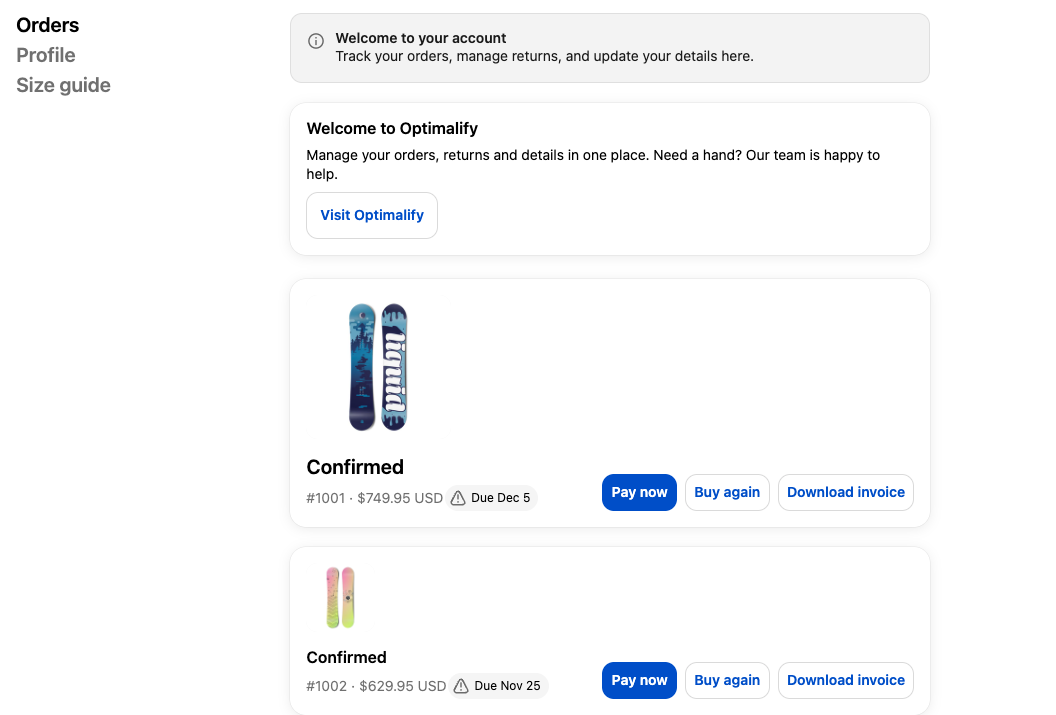
Announcement banner, Content section, Invoice download
A notice and a welcome card sit above the order list. Each order gets a Download invoice button.
These are the real blocks on our demo store. The text is sample content, and you write your own in the app.
The demo store shows its password on the first page.
Announcement banner, Content section, Invoice download
A notice and a welcome card sit above the order list. Each order gets a Download invoice button.
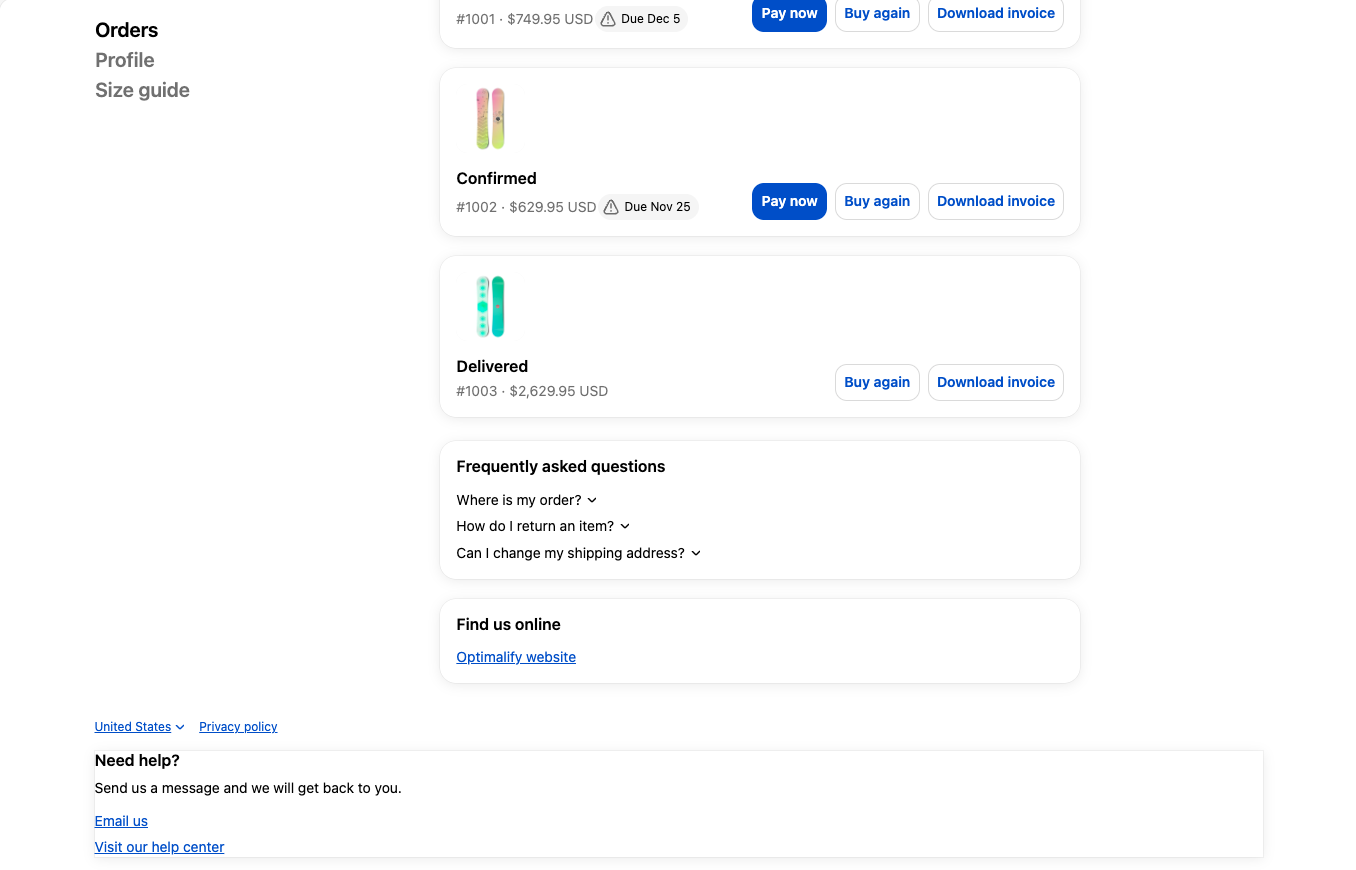
FAQ, Social links, Support contact
Common questions, your social profiles and your contact options, right under the orders.
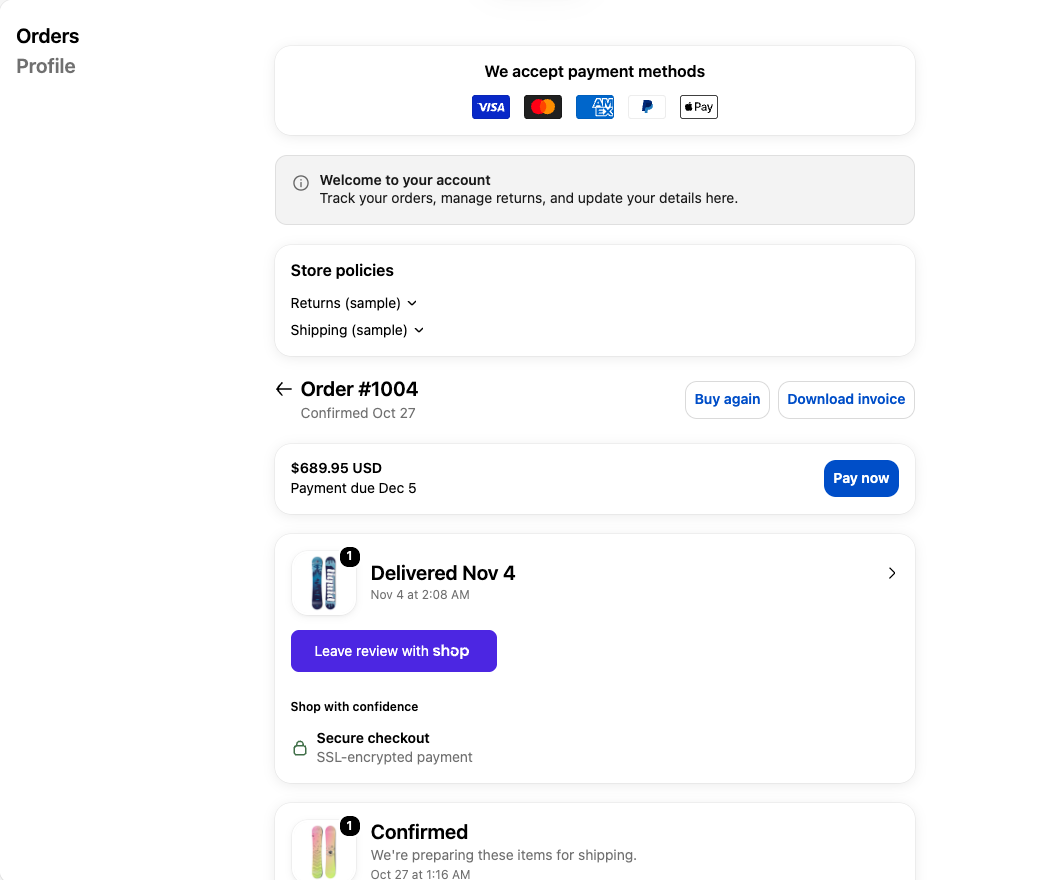
Payment icons, Store policies, Trust badges
Payment methods, expandable policies and a trust badge beside the delivery details.
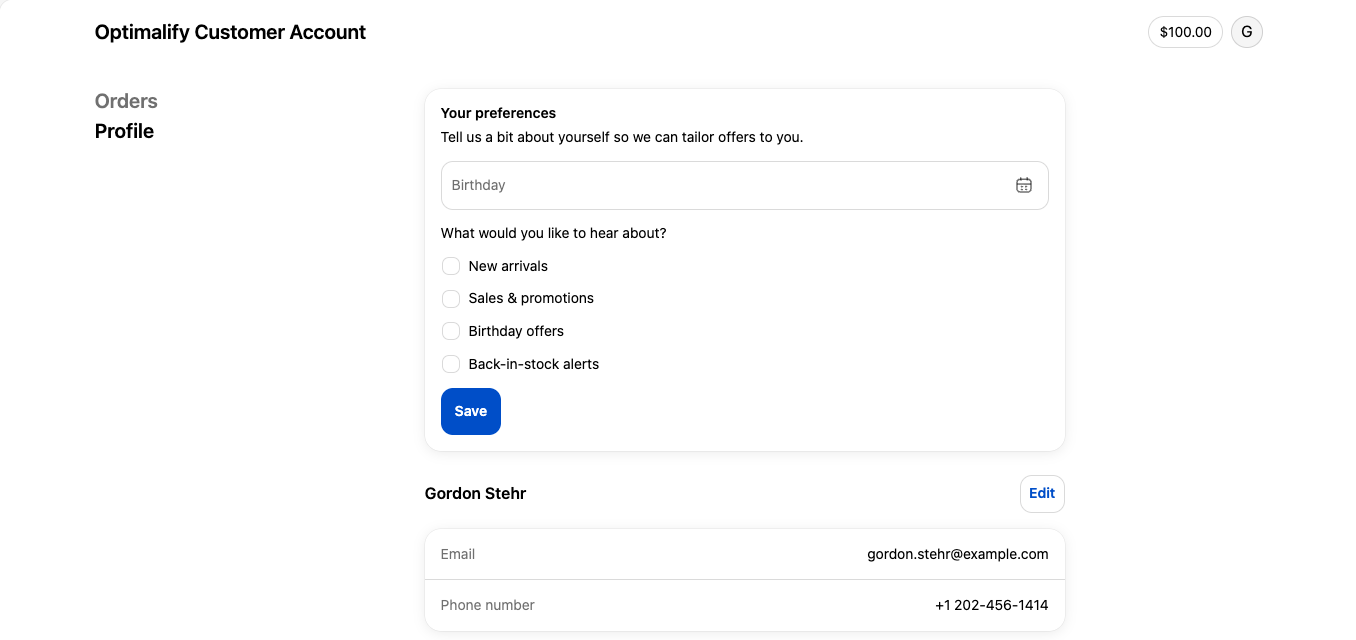
Profile fields
Customers save their birthday and what they want to hear about.
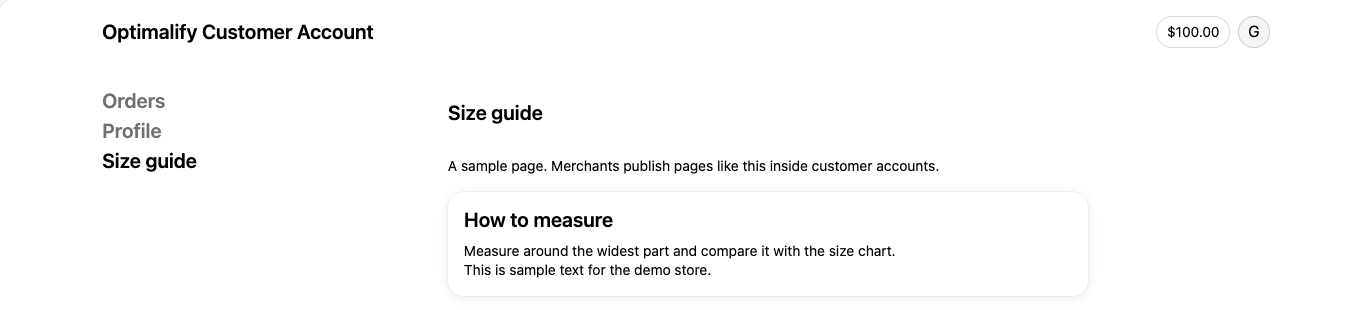
Custom pages
Add your own page, such as a size guide, to the account menu.
The Free plan covers one block. Questions? Email mia@optimalify.org.
Add to Shopify